Workflow · Affinity Photo
The accessible alt-process workflow. No Adobe subscription.
Affinity Photo reads Adobe’s standard .acv format natively. Since Canva’s decision to make Affinity free, announced in October 2025 (the Canva acquisition dating to March 2024), Affinity is free — paired with Calibration Flow, you get a complete calibration chain with no Creative Cloud subscription.
Article reviewed by Tristan Sidem (Calibration Flow founder) + Raphaël Lebas de Lacour (Vision Picturale co-founder).
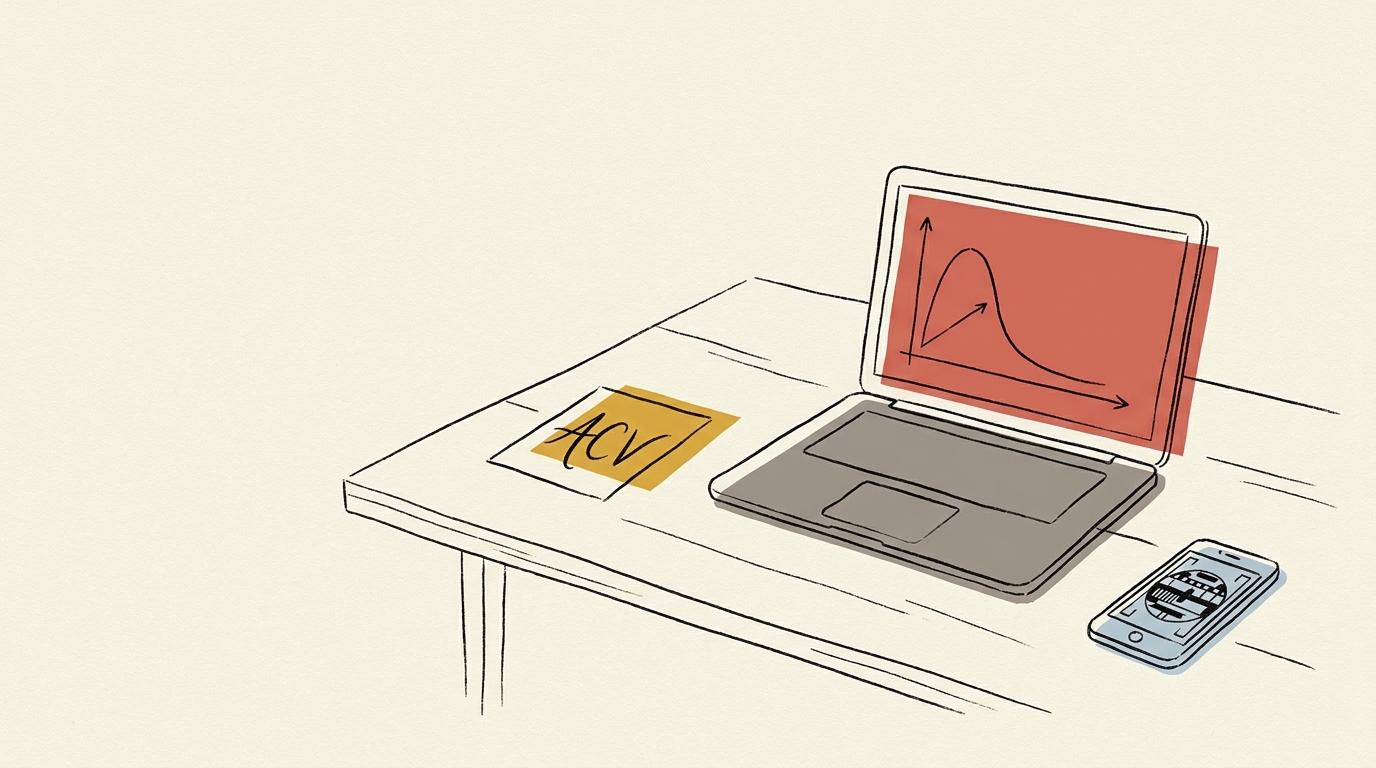
Alt-process without €11.99/month at Adobe
Many cyanotype and gum bichromate practitioners never wanted to pay a Creative Cloud subscription just for a Curves panel. The result: they calibrate by hand, on paper, with no reproducibility, or they give up calibrating and accept the drift between prints.
Affinity Photo was long the paid alternative at €70 one-off. Since October 2025, under Canva, it is free. Paired with the free web version of Calibration Flow, you get a complete chain — test chart → curve → print — for zero euros.
The file chain
Calibration Flow → .acv file → Affinity Photo Curves panel
Three steps. The .acv format is read natively by Affinity Photo desktop and Affinity Photo iPad alike. No plugin, no conversion.
- 1
Generate your curve in Calibration Flow
Print the 25-patch test chart, expose, scan or photograph it. Calibration Flow computes the correction curve from the L* CIELAB measurements and exports it in the standard .acv format (a Pro mode feature, €9.90/month).
- 2
Get the .acv file (Pro mode)
Calibration Flow generates a compact binary file (under one kilobyte, up to 16 points). You save it with a meaningful name — for example platinum-platinum-rag-may2026.acv.
- 3
Load the curve in Affinity Photo
Open your image, add a Curves adjustment layer, click the hamburger icon of the Curves panel, choose Load Preset, select your .acv. The correction applies to the layer, your source image stays intact.
Adjust the curve live
Calibration Flow corrects any non-linear response with three sliders. No point to draw with the mouse, no Bézier handle to wrangle. Play with the values below and see the effect on the curve and on the your process tonal rendering immediately.
Input 0–255 ↔ Output 0–255
Minimum input threshold. Everything below it becomes pure black.
Maximum input threshold. Everything above it becomes pure white.
Midtone curvature. 1.00 = linear, < 1 = darker mid-tones, > 1 = lighter mid-tones.
Source gradient (before correction)
Corrected gradient (after applying the curve)
This demo applies a simple formula (black/white points + gamma exponent) for illustration. The app additionally uses a robust LOWESS + monotone PCHIP smoothing pass that rounds off transitions without creating artefacts. The Mode Pro (€9.90/month) then lets you export a .acv file, loadable into Photoshop or Affinity Photo in two clicks.
Affinity Photo and the .acv format
Affinity Photo, first published by Serif then acquired by Canva in March 2024, has read Adobe’s .acv since version 1.0. It is a deliberate interoperability choice — Affinity’s historic target was Photoshop users wanting to leave the subscription, and importing .acv presets was part of the positioning.
Since October 2025, Affinity Photo (and the Affinity Designer + Publisher suite) is free for individual users following Canva’s decision. The Curves feature and .acv import are kept in the free version. For an alt-process practitioner who does not need the rest of the Adobe suite, this is the option to favour in 2026.
Affinity’s Curves panel supports adjustment layers (non-destructive workflow identical to Photoshop), reads the full 16 points of .acv version 1, and works at full precision in 8-bit as in 16-bit. For CMYK gum bichromate multi-layer files, you can apply a curve per channel exactly as in Photoshop.
Before Calibration Flow / after
Before
You calibrate by hand for lack of an Adobe budget, or you accept the drift. Your curves are screenshots, never re-importable. Each new image is a fresh start.
After
Free Affinity Photo + free Calibration Flow Web sign-up gets you to the digital negative at zero cost. Pro mode unlocks the .acv file, which applies to any Affinity document — duplicable, versionable, shareable.
Access
The web version of Calibration Flow is free with sign-up, no credit card, full workflow up to the digital negative. Combined with Affinity Photo, free since October 2025, Pro mode (€9.90/month) unlocks the .acv export for your first calibrated print.
Web
Free with account
No credit card. Full workflow up to the digital negative.
iOS
€9.90/month
Optimised iPhone capture. Cloud sync included.
Luminograph
1 year of Pro included
Shipped with a Luminograph purchase from Vision Picturale. Includes 1 year of Pro Mode.
Affinity questions
Five practitioner questions
- Yes. Since Canva’s acquisition of Affinity announced in March 2024 and the move to a free model confirmed in October 2025, Affinity Photo keeps the import of curve presets in .acv format. You open your image, apply the Curves filter (Filters → Adjustments → Curves), click the hamburger icon at the top right of the panel, and choose Load Preset. You select your .acv file generated by Calibration Flow, the curve applies. The feature has not changed between Affinity Photo 1.x, 2.x and the Canva version.
- The final visual result is equivalent in both applications. On a test chart, the gap between a Photoshop curve and the same curve in Affinity stays below the perceptible threshold in everyday practice. The 16 points of the .acv are read identically by Affinity and by Photoshop — the internal display-interpolation algorithms differ slightly between the two, but the points computed by Calibration Flow are produced by LOWESS + PCHIP interpolation, independently of the target software. If you compare the two side by side on a grey ramp, you will not see the difference.
- Yes. Affinity Photo handles adjustment layers exactly like Photoshop. You add a Curves adjustment layer (Layers panel → adjustment layer button → Curves), load your .acv, and the correction stays editable. The pixel layer underneath is untouched. This is the workflow to favour when preparing multi-layer files (CMYK gum bichromate, four-channel carbon) where each layer gets its own curve.
- Affinity Photo reads the full 16 points of .acv version 1. No truncation, no precision loss. This is one of the points where Affinity beats Lightroom (limited to 14 points). On a carbon curve, whose tonal range is among the densest of the alt-process family, where every point matters, you keep the full resolution from Calibration Flow.
- Yes for the essentials. Affinity Photo for iPad exposes the same Load Preset function in the Curves panel. You transfer your .acv from Calibration Flow (Web or iOS) via AirDrop or iCloud Files, then open it with Affinity Photo iPad. One small caveat: the touch ergonomics of the Curves panel take a moment to find the import menu, which hides under an icon at the top right rather than in a main menu.
Go further
A complete alt-process chain, without Adobe
Affinity Photo free since October 2025, Calibration Flow free with sign-up. Generate your first curve and load it into Affinity in two clicks.
Try it free — no credit card