Process · Platinum/palladium
Calibrate your platinum/palladium before committing the Pt/Pd.
At €5 per A4 sheet and 300+ usable grey levels, calibrating is no longer a comfort. Fifteen minutes of measurement, a 16-point `.acv` curve (Pro mode), and the whole tonal range finally readable.
Reviewed by Tristan Sidem + Raphaël Lebas de Lacour
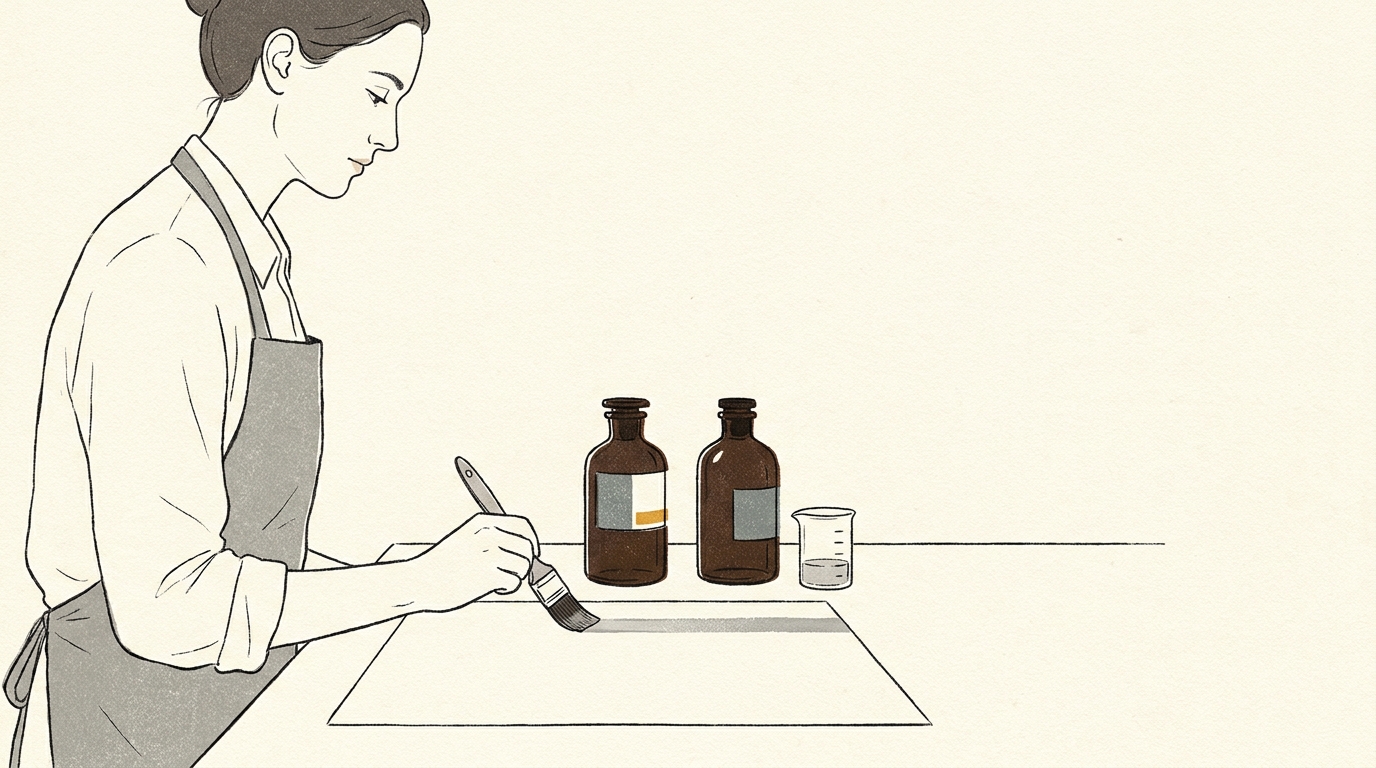
Le problème
Sound familiar?
- 01
Tonal range crushed to 150 levels
Platinum/palladium can use 300+ levels. Without calibration your negative uses only half — you pay for palladium to get greys linearised at a loss.
- 02
Shadows blocked in the deep blacks
The 1.8 Dmax of Pt/Pd is never reached without a curve. Shadow detail is lost in a uniform black.
- 03
Cost piling up with every test
Three failed prints = €15 of chemistry + an €8 A4 cotton-rag sheet. Calibration pays for its own session from the second series.
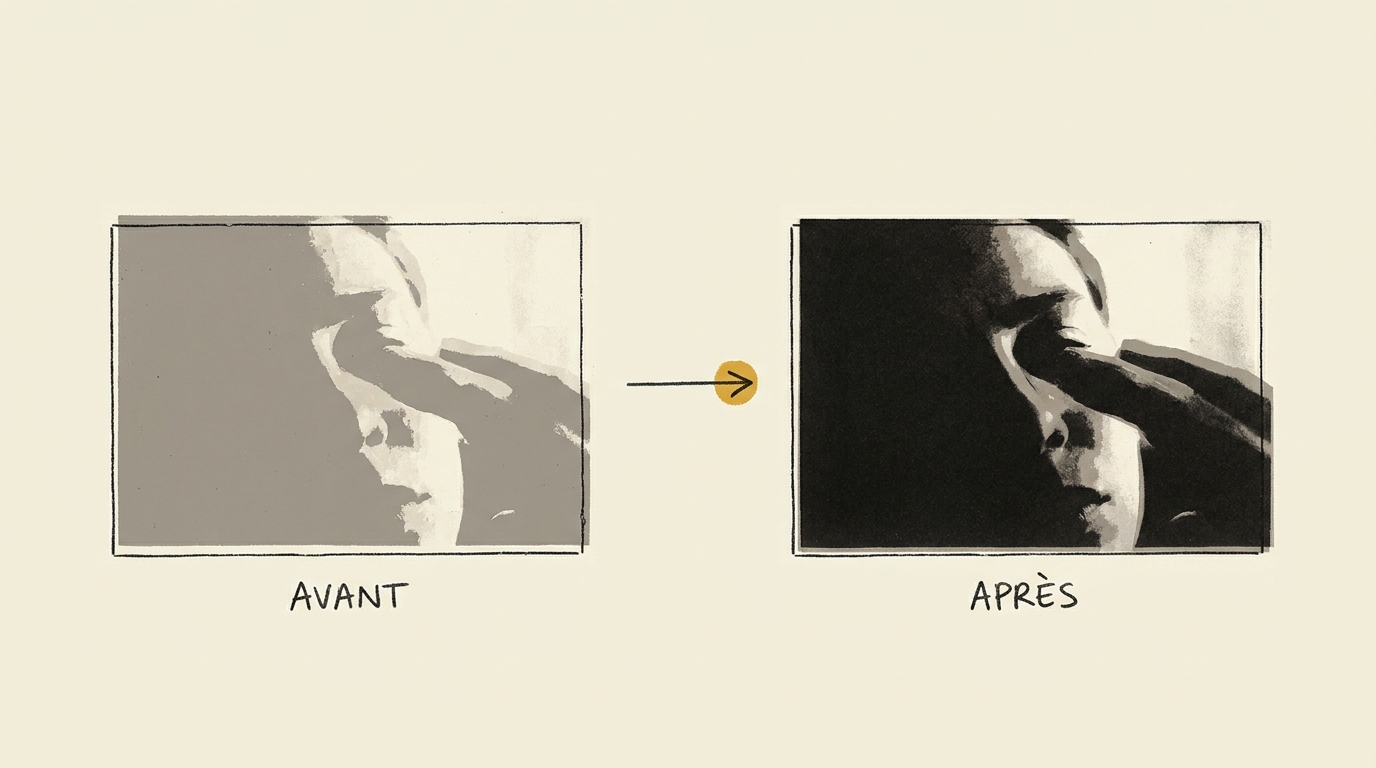
The difference on a platinum/palladium print
The same source file, printed without calibration on the left and calibrated with Calibration Flow on the right. You can see how calibration frees the full tonal range of your platinum/palladium process.
Spécificités du procédé
Expensive, wide, slow — calibratable in advance.
Platinum/palladium printing relies on the UV reduction of ferric salts, which in turn catalyses the deposition of metallic platinum or palladium in the paper fibre. The result: a print with an exceptionally wide tonal range — about 300+ distinct grey levels used — and museum-grade permanence (several attested centuries).
The chemistry cost is very high: between €4 and €8 per A4 sheet depending on the chosen Pt/Pd ratio and sensitisation dose. At that level, printing blind is not a viable option. Calibrating before each series, or at least at every substantial change of chemistry or paper, becomes an economic condition of the process.
The typical Dmax is 1.8 on Hahnemühle Platinum Rag, a paper formulated specifically for the process. On other heavy cotton papers you get a Dmax between 1.6 and 1.75. The development bath (potassium oxalate or sodium citrate) is temperature-sensitive: 20 °C produces softer highlights, 30 °C lightens them and raises contrast. Calibrate at the temperature you will print at in production.
Target polarity: negative, like all contact-exposure processes (except resinotype). The sensitiser contains a small amount of potassium dichromate as a contrast agent — the dichromate concentration changes your curve’s slope and must be stabilised before calibration.
Lire en détail dans le manuel
Référence externe : Wikipedia
Generate your platinum/palladium target now
25-patch target (5×5 grid + continuous gradient), equal steps of about 4.2 % in grey value, from white to black. Negative polarity (matches this process). Download, print on inkjet transparency with colour management off, expose onto your sensitised paper.
Downloaded file at 1680×1410 px (300 dpi), free, no sign-up. In the app, a 25-step grey grid and its gradient print straight onto a corner of your negative (Target → Show the target tab) and get the same curve as the image.
Target computed like the app’s: evenly spaced grey steps and a continuous gradient. On a scan, the app reads each step as perceptual lightness, L* (CIELAB).
Workflow en 3 étapes
Mire, insolation, courbe.
Print the 25-patch negative target on transparency
Negative polarity, no colour management, on the same paper as your final print (Hahnemühle Platinum Rag preferred).
Sensitise, expose, develop at controlled temperature
Pt/Pd + dichromate sensitisation, UV exposure, development at production temperature (20-30 °C). Read after stabilised drying.
Export the .acv curve for Photoshop or Affinity Photo (Pro Mode)
A 16-point Adobe `.acv` curve, exported in one click, ready to apply to your production negatives. .acv export is reserved for Pro mode (€9.90/month).
Adjust the curve live
Calibration Flow corrects any non-linear response with three sliders. No point to draw with the mouse, no Bézier handle to wrangle. Play with the values below and see the effect on the curve and on the platinum/palladium tonal rendering immediately.
Input 0–255 ↔ Output 0–255
Minimum input threshold. Everything below it becomes pure black.
Maximum input threshold. Everything above it becomes pure white.
Midtone curvature. 1.00 = linear, < 1 = darker mid-tones, > 1 = lighter mid-tones.
Source gradient (before correction)
Corrected gradient (after applying the curve)
This demo applies a simple formula (black/white points + gamma exponent) for illustration. The app additionally uses a robust LOWESS + monotone PCHIP smoothing pass that rounds off transitions without creating artefacts. The Mode Pro (€9.90/month) then lets you export a .acv file, loadable into Photoshop or Affinity Photo in two clicks.
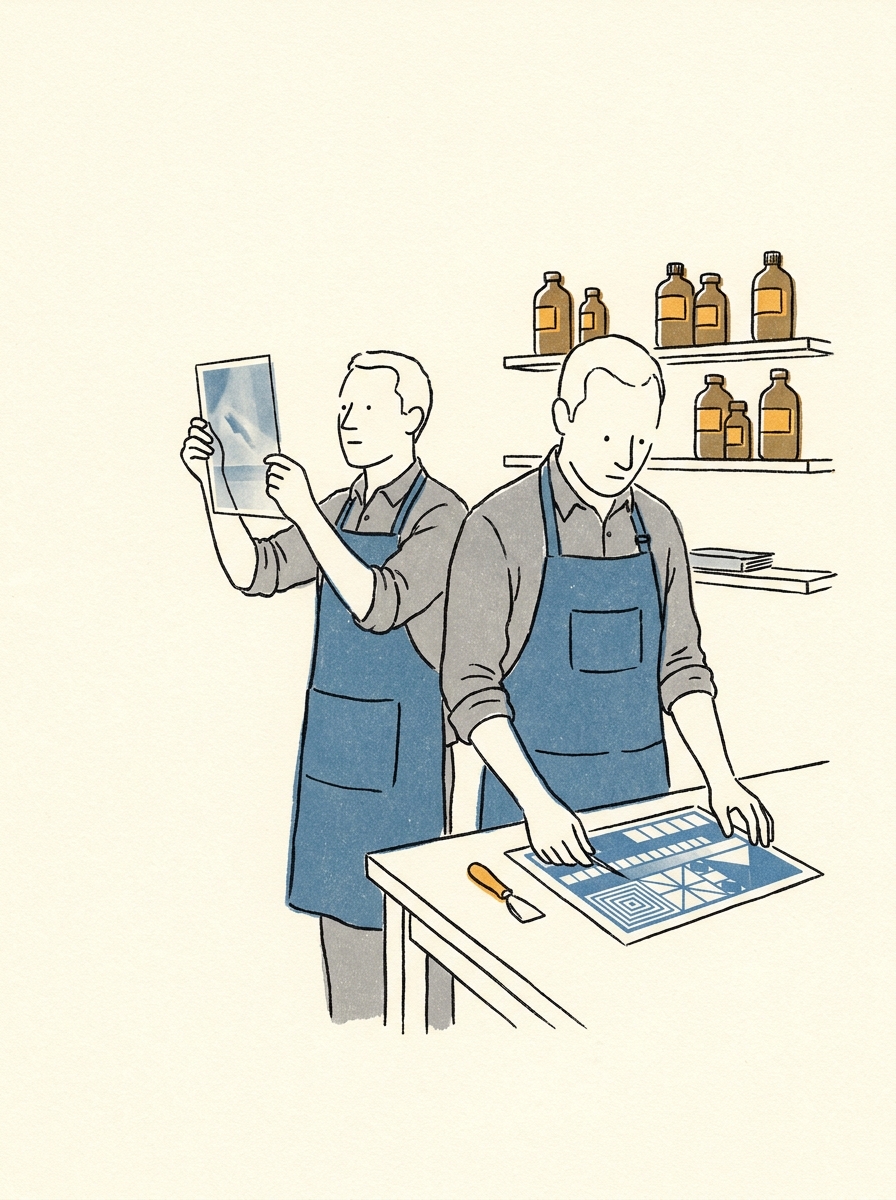
Preuve d'autorité
Pourquoi nous faire confiance.
« Platinum/palladium is the process that makes software calibration legitimate. At that chemistry cost, you no longer print on instinct. Calibration Flow does not replace the practitioner’s eye — it preserves the tests you will not redo. »
Références techniques
- Christopher James — The Book of Alternative Processes (chapters 16-18 on platinum and palladium printing)
- Bostick & Sullivan — reference Pt/Pd sensitisers
- Dick Stevens — Making Kallitypes and Platinotypes
- Mark Nelson — PDN method applied to platinum
Signé
- Tristan Sidem — founder of Calibration Flow + Vision Picturale
- Raphaël Lebas de Lacour — co-founder of Vision Picturale
Access & pricing
Try Calibration Flow.
Web
Free with account
- 3 curves, unlimited presets, 10 HD scans, 300 MB storage
- No credit card required
Pro · Web + iOS
€9.90/month
- .acv export for Photoshop/Lightroom
- HD Full Gamut export (5-7 inks) & advanced separation settings
- 100 HD scans, 5 GB cloud storage
- One subscription for Web + iOS, cancel anytime
Code Luminograph
1 year of Pro included
- Shipped with the purchase of a Luminograph at Vision Picturale (€449 A4 / €699 A3+)
- One year of Pro mode, then reverts to free
- Extended quotas and 5 GB of cloud storage
Comparatif honnête
Calibration Flow face aux alternatives.
| Dimension | Calibration Flow | QuadToneRIP | PiezoDN | Méthode manuelle |
|---|---|---|---|---|
| Tonal precision | 16 .acv points | Very high | Maximal | Manual |
| Learning curve | ~15 min | ~2 days | ~1 week | Variable |
| Entry price | €0 (free) | ~$50 | ~$300 | ~€400 |
| .acv output | Native (Pro mode) | No | No | To be drawn |
| Mobile | ✓ | — | — | — |
Quand choisir un autre outil
For very high-volume production with a closed K7 dedicated-printer flow, PiezoDN remains the reference — but at a high entry and learning cost. CF positions itself as the short path to an `.acv` curve (Pro mode) usable in Photoshop without additional hardware.
FAQ
Questions from platinum/palladium practitioners.
- Platinum/palladium costs between €4 and €8 of chemistry per A4 print, sometimes more. At that price, calibrating is not a comfort — it is an economic condition. A Calibration Flow session consumes one A4 sheet + its chemistry (~€5) and gives you an `.acv` curve (export reserved for Pro mode, €9.90/month) that, in practice, saves you 3 to 8 failed prints over the following weeks. The return on investment is immediate from the second printing session.
- Yes, appreciably. Pure Pt produces cool greys with a slightly higher Dmax (~1.85 on Hahnemühle Platinum Rag); pure Pd produces warm browns with a Dmax around 1.7. 50/50 or 70/30 mixes produce an intermediate curve. Recalibrate at each significantly different ratio — Calibration Flow keeps a library of ratio-linked curves for quick switching.
- Yes. Platinum development is temperature-sensitive: a 20 °C bath produces softer highlights, at 30 °C the highlights lighten and the Dmax rises slightly. The practitioner rule: calibrate at the temperature you will print at in production. If the season changes (unconditioned workshop), recalibrate. This is documented in detail in the manual page courbe/analyse-tonale.
- Platinum/palladium uses about 300 distinct grey levels between Dmin and Dmax, against 150 to 200 for most hardening processes (cyanotype, gum bichromate). It is this fineness that justifies software calibration: by eye you can place 30 to 50 patches, but Calibration Flow offers an `.acv` curve of up to 16 points (Mode Pro export) that distributes them where the slope changes most — not linearly.
- Dichromate is the contrast agent of platinum/palladium. A higher concentration hardens the curve (more contrast, fewer mid-tones); a lower concentration flattens it (softer greys, less shadow separation). Calibration Flow does not drive the chemistry: it measures the result on your final negative, whatever your dichromate concentration. The generated curve compensates the actual response, not a theoretical one.
Platinum/palladium is not in the Vision Picturale range.
The Picturale ecosystem covers six UV-exposure processes — cyanotype, gum bichromate, carbon, bromoil, gumoil, resinotype (carbon is still in development at Vision Picturale, not yet sold). Platinum/palladium stays outside it. Calibration Flow calibrates it anyway, independently of your chemistry or paper supplier. You import your scanned target like for any alt-process, export your .acv curve (Pro mode), and apply it in Photoshop before your print.
A few references if you are starting Pt/Pd:
- Chemistry — Bostick & Sullivan (historical US reference, complete Pt/Pd kits) and Photographers' Formulary offer ready-to-measure sensitiser + developer kits.
- Paper — Hahnemühle Platinum Rag, Arches Platine, Bergger Cot 320. 100 % cotton, neutral pH, no optical brighteners, 300 gsm+.
- Reading — Christopher James, The Book of Alternative Process Photography, the Pt/Pd chapter with precise ratios and bath times.
- See a reference print — Maison Picturale prints in platinum-palladium in its Paris workshop. Useful to compare your calibration print against a workshop reference.
- Calibration — open Calibration Flow, follow the step-by-step. Your platinum/palladium produces the target, the app generates your curve, your workflow is calibrated within two weeks.
Do you also practise a Vision Picturale process in parallel (cyanotype, gum bichromate, carbon…)? See the six ecosystem processes →
Calibrate before committing the platinum. The economic rule.
Free with registration on the Web version: target, curve and negative included, no credit card required. Pro Mode (€9.90/month) adds .acv export and extended quotas.
Try it free — no credit card