Calibration for alternative processes
Your prints.Reproducible.
No more blown highlights and blocked shadows. Calibration Flow measures each patch, calculates the deviation and generates the exact correction curve — in 3 steps.
Mac · PC · Native iOS · Free account
Built and reviewed by Tristan Sidem (founder of Calibration Flow + Vision Picturale) + Raphaël Lebas de Lacour (co-founder of Vision Picturale)
The problem
What calibration fixes.
Correction curve for cyanotype, platinum and alternative processes
Without a correction curve, your process compresses highlights and blocks shadows. The app measures each deviation on the target and generates the exact compensation.
Before calibration — blown highlights, blocked shadows
After calibration — 25 distinct levels, linear progression
Supported processes
Universal
calibration.
A target tailored to each process. Positive or negative, the generated curve matches your exact chemistry.
Prepare
Reference target
Select your target (Positive, Negative or Pro 32 levels), print it without color management, then produce and scan the test print.
Calibrate
Precise tonal analysis
Import the scan and adjust Black point, White point, Exposure. The histogram and adaptive gamma help you establish a reliable tonal base.
Generate
Workshop-ready curve
Fine-tune the correction across 25 draggable points, (standard or pro workflow), then export the curve for your digital negative.
Reproduce
Presets & consistency
Save the calibration as a local preset and reapply it instantly to achieve the same result, process after process.
Vision Picturale Kits
Calibration Flow, the official kit tool.
Cyanotype, Aquaprint, gumoil kits — calibrated from the first print
Every Vision Picturale kit includes instructions to calibrate your process with Calibration Flow. Start from a reliable base, not a failed print.
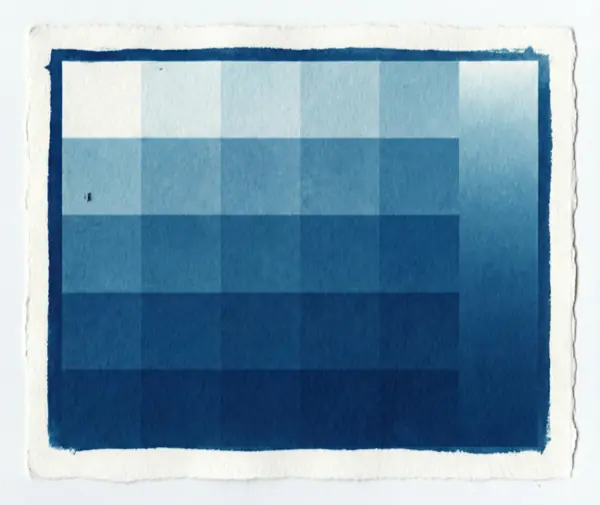
Cyanotype
Iconic Blue Kit
View kit →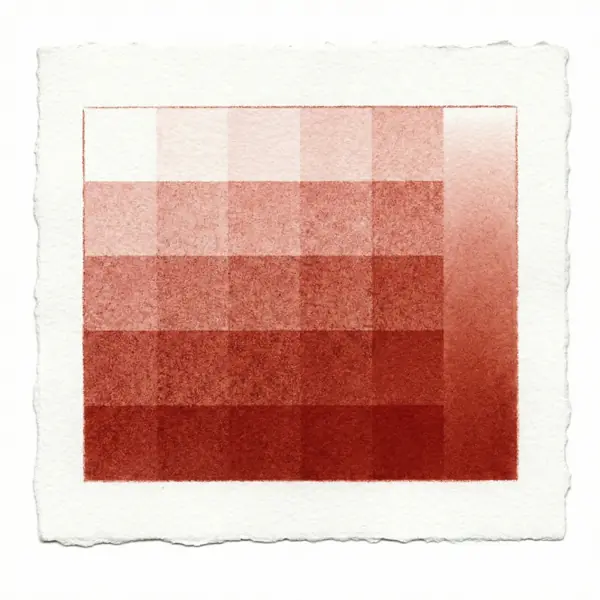
Aquaprint
Sanguine Kit
View kit →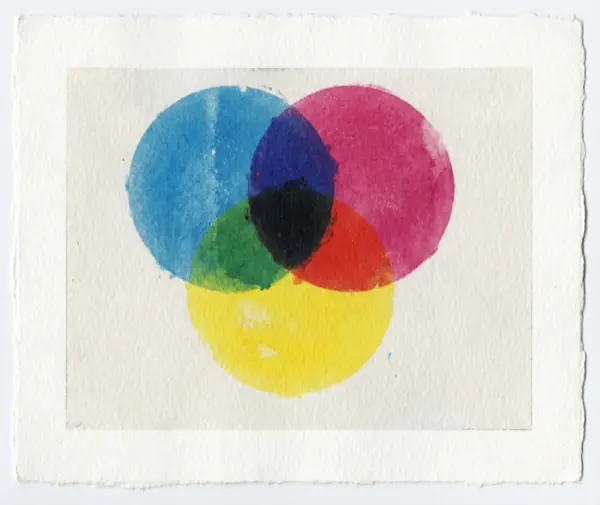
Aquaprint monochrome
Photo Watercolor Kit
View kit →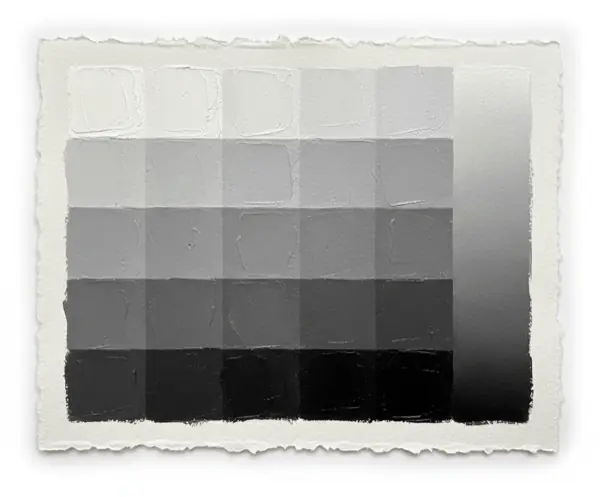
Gumoil
Ink Wash Kit
View kit →Find all kits and chemistry on Vision Picturale →
Workflow
Three steps. A reproducible result.
A simple flow, designed for the workshop: same logic for every process, curve specific to your chemistry.
01 · Step 1
Prepare your target
Download the target suited to your process (Positive, Negative or Pro 32 levels) and print it on your coated paper.
HD Targets · 300 DPI
02 · Step 2
Analyze the scan
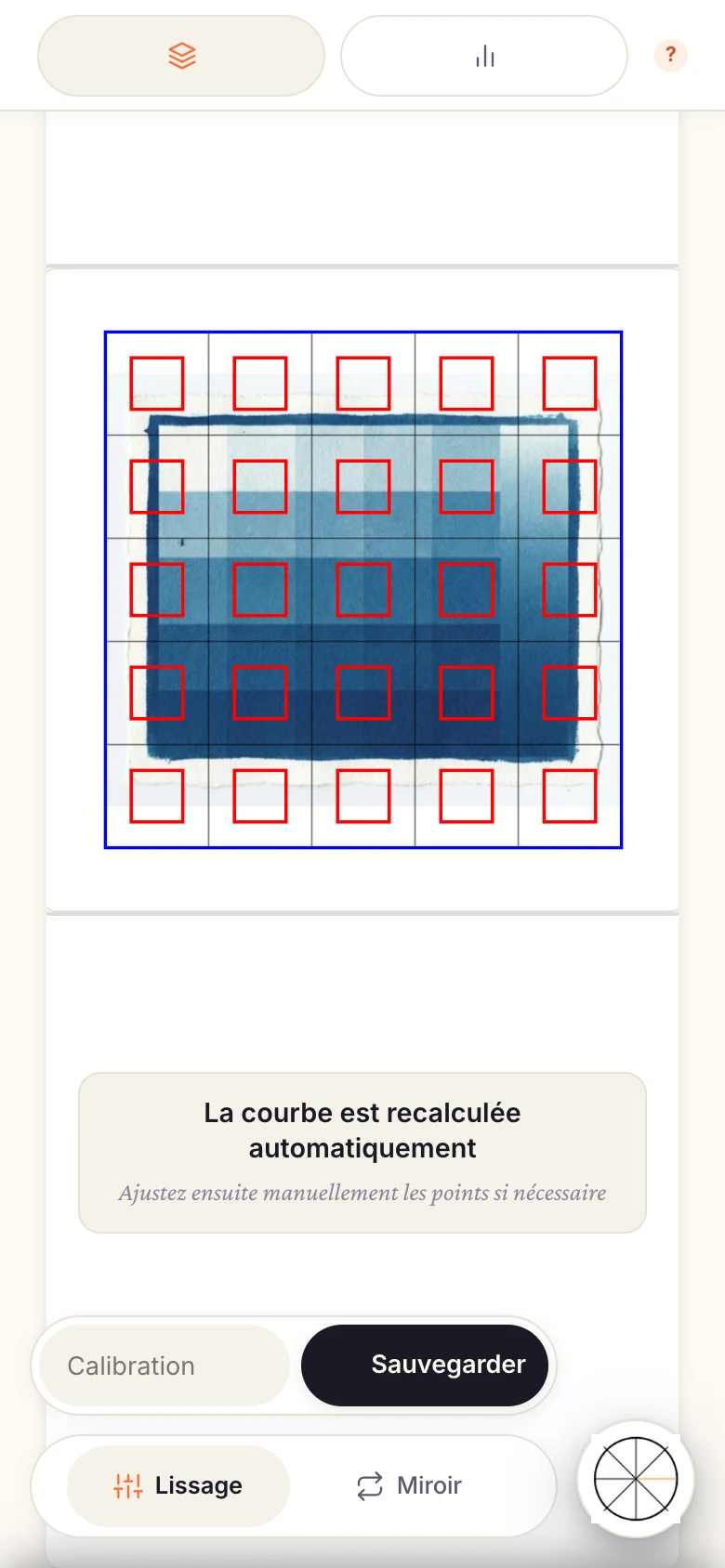
Import the scan of your test print. The app reads each patch, compares measured values to targets and displays the deviations.
Histogram · Gamma · RAW / HEIC
03 · Step 3
Generate the curve
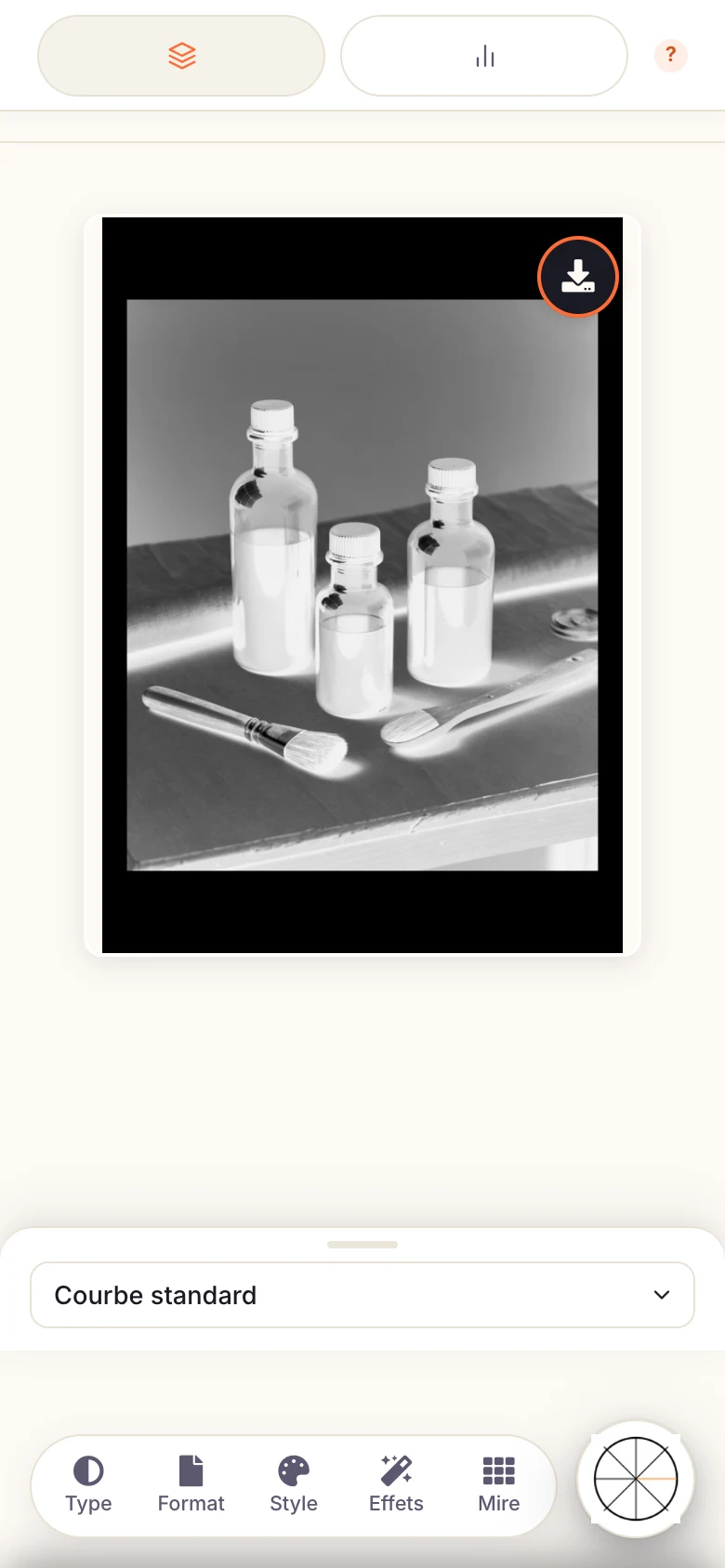
Calibration Flow builds the compensation curve via cubic interpolation. Export it as .acv and apply it in Photoshop.
25 control points · Export .acv
Improve your calibration → Tutorials on NOEME
Picturale Ecosystem
Calibration Flow, the central link.
Vision Picturale, NOEME, Maison Picturale — a connected ecosystem
From ordering supplies to sharing your prints — each app in the ecosystem plays a specific role in your practice.
Calibration Flow
Calibrate your process in 3 steps
You are here
Frequently asked questions
Everything about Calibration Flow.
- Calibration Flow is a precision tool for calibrating alternative photographic printing processes (cyanotype, platinum, Aquaprint, carbon, etc.). It measures patch luminance L* CIELAB via smartphone camera on 25 patches (no densitometer, no spectrophotometer, no Excel), linearises with robust LOWESS + monotonic PCHIP, and exports a .acv preset for Photoshop / Lightroom Classic. Free tier with account registration (full workflow, 300 MB cloud sync), Pro subscription 9.90 EUR/month for extended quotas (5 GB) and advanced features (Color Venn CMYK preview for quadricolour gum/carbon, advanced export options). 1 year of Pro included with a Luminograph purchase from Vision Picturale.
- Calibration Flow supports seven alternative printing processes: Cyanotype, Platinum-Palladium, Aquaprint (gum bichromate, in Monochrome, Sanguine and CMYK Quadricolour variants), Carbon (carbon transfer, in Museum Black monochrome or Deep Colour trichromy), Salt print, Van Dyke, and Resinotype. Six of these are sold as chemistry kits by Vision Picturale, each with its own cycle and difficulty level. The app remains a generic tool: beyond this list, it can also calibrate a custom process, or even the digital printer itself, as long as it involves a measurable UV exposure in grayscale. Every process requires a negative target, except Resinotype which uses a positive counterproof. Patch measurement always happens via smartphone camera, with no densitometer or spectrophotometer required, using the same robust LOWESS + monotonic PCHIP linearisation algorithm across every process. A first calibration takes about 15 minutes, excluding print drying time, and stays valid for months as long as the chemistry batch and UV source remain unchanged.
- The Free tier is fully usable with a free account on picturale.app — full workflow, 300 MB of synchronized cloud storage. The Pro subscription at 9.90 EUR/month (unified web and iOS) unlocks extended quotas (5 GB), Color Venn CMYK preview for quadricolour gum/carbon, and advanced export options. A Luminograph purchase from Vision Picturale includes 1 year of Pro.
- No, no dedicated measuring equipment is required. Calibration Flow replaces the densitometer, spectrophotometer and spreadsheet traditionally used in alt-process work: all you need is a smartphone (native iOS app via Capacitor, or simply a web browser) with a camera. The app itself provides the calibration target to print — 25 patches, negative for most processes — which you expose and develop using your usual process. Once the print is dry, you photograph it with your phone: the app reads each patch in relative intra-target mode, without needing calibrated lighting or a dedicated darkroom setup. All you need beyond that is your existing printing setup (developing tray, UV source, paper, chemistry). If you use a Vision Picturale Luminograph exposure unit, its UV timer can even be controlled over Bluetooth directly from the app, with automatic LED cut-off.
- Calibration Flow is developed within the Picturale ecosystem by Tristan Sidem (founder of Calibration Flow + Vision Picturale, 8 years of cyanotype practice) and Raphaël Lebas de Lacour (co-founder of Vision Picturale). The site's technical content follows a strict editorial rule: every process page is signed "Article reviewed by" both founders with its technical references (Christopher James, Bostick & Sullivan, Mark Nelson), and every manual page carries a "Verified" date marking the last time the content was checked against the app's actual behavior. The app remains a calibration tool: chemistry kits are sold by Vision Picturale.