Tool · Large-format tiling
Print a negative larger than A4, already calibrated, edge to edge.
Large-format tiling automatically assembles your calibrated negative across several A4 or A3 sheets (A3 domino = 2×A4). Each tile is generated edge to edge, ready for contact printing. The result: a cyanotype, a gum print, a carbon print that exceeds A4 without sacrificing calibration.
New · Web only (not yet on the iOS app)
What sets it apart
What PosteRazor, Rasterbator and Photoshop don't do.
PosteRazor cuts any image into tiles. Rasterbator screens a positive for display. Photoshop divides manually with visible crop marks. These three tools handle uncalibrated positives — their tonal range is not adjusted to the photosensitive process that will receive them.
Calibration Flow tiles an already-calibrated negative. The correction curve was computed for your paper, your chemistry, your UV source. The tiling happens after calibration, not before — each tile’s density stays the one the contact print requires. This is a fundamental difference for A3/A4 negative tiling in alternative printing.
The PDF layout plan shows the exact order and orientation of each sheet. Edge to edge, with no marks printed on the negative: the seam is invisible on the final print.
Current limits
What the tool doesn't do yet.
- Web only. The tool is not yet available on the iOS app. If you work from an iPhone or iPad, use the web browser on Mac or PC while waiting for the next iOS version.
- A4 and A3 formats only. Custom formats (Letter, A2, roll) are not yet supported. The A3 domino (2×A4) already gives a large 42 × 29.7 cm format, enough for most alternative processes.
- No advanced interactive cropping. The crop positioning is done upstream, in the negative-preparation tool. The tiling tool assembles, it does not crop.
- Cross-device persistence in progress. Compositions are not yet synchronised automatically across your devices. Download the ZIP from the same browser you used for the session.
Go further
Manual & related calibration pages
- Manual · Negative export options — resolution, orientation, frame, registration marks, dithering, mirror
- Cyanotype calibration — flagship process for large-format cyanotype
- Gum bichromate calibration (Aquaprint)
- Carbon calibration
- Learn alternative processes — NOEME Academy — cyanotype, Aquaprint, carbon, silver modules
- Luminograph & non-toxic chemistry — Vision Picturale — calibrated UV source, reformulated VP chemistry
Your calibrated negative already exists.
It deserves a format to match.
Free sign-up via picturale.app — no credit card, 100 MB cloud included. The tiling tool is available from the free tier.
Pro at €9.90/month (web + iOS) for access to the full calibration toolset, or included for 1 year with any Luminograph Vision Picturale purchase (A4 €449 / A3+ €699).
Open the tool — free sign-up
How to use it
Four steps, one large-format negative.
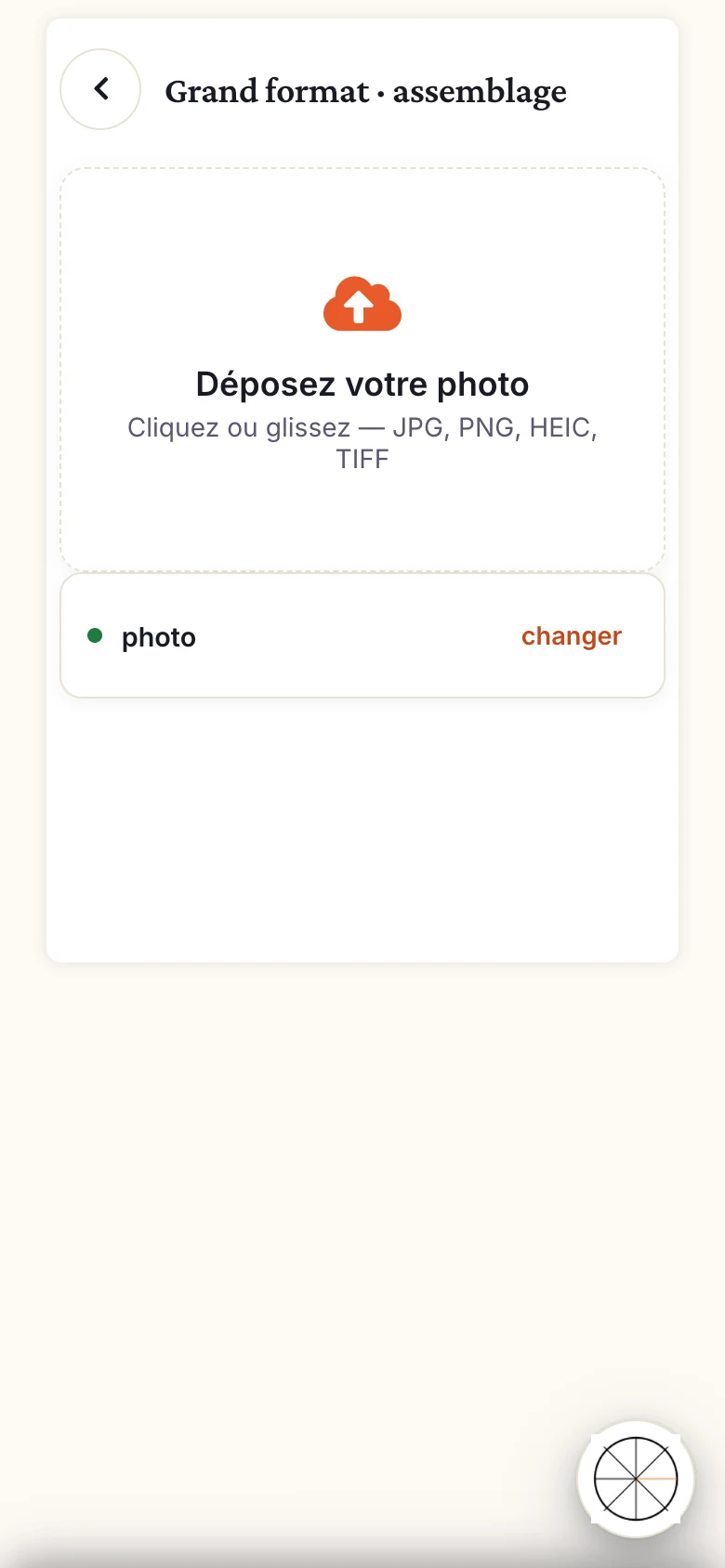
Load your calibrated negative
Import the file produced by Calibration Flow after the calibration phase —
.acvcurve applied (Pro mode export), densities verified.Choose the output format
A4 or A3. The A3 domino (two A4 sheets side by side) gives a 42 × 29.7 cm format — ideal for large-format alternative printing without a special printer.
Explore the scored gallery
Each composition shows a DPI badge: you see immediately which layout maximises effective resolution before exporting.
Export and print
A ZIP of named tiles + a PDF layout plan included. You place the sheets on your sensitised surface with no marks visible on the final print.